Overview
neptune-proton is a GUI dashboard/wallet for neptune-core. It does not manage its own keys, but rather provides a graphical interface to the wallet that is built into neptune-core. It is a GUI alternative to the neptune-dashboard TUI that comes bundled with neptune-core.
important: It requires that neptune-core is running on the same machine (localhost) before starting the app.
Release Binaries
neptune-proton 0.1.0 binaries (deb, rpm, appimage) are available at:
I had hoped to make Mac and Windows binaries available as well, but a couple technical issues must be resolved first. Should be up in 1-2 weeks.
Status
This release is still in kind of a rough state but most major functionality is there. I wanted to get something out for people to “kick the tires”.
I believe this is the first neptune wallet app to support:
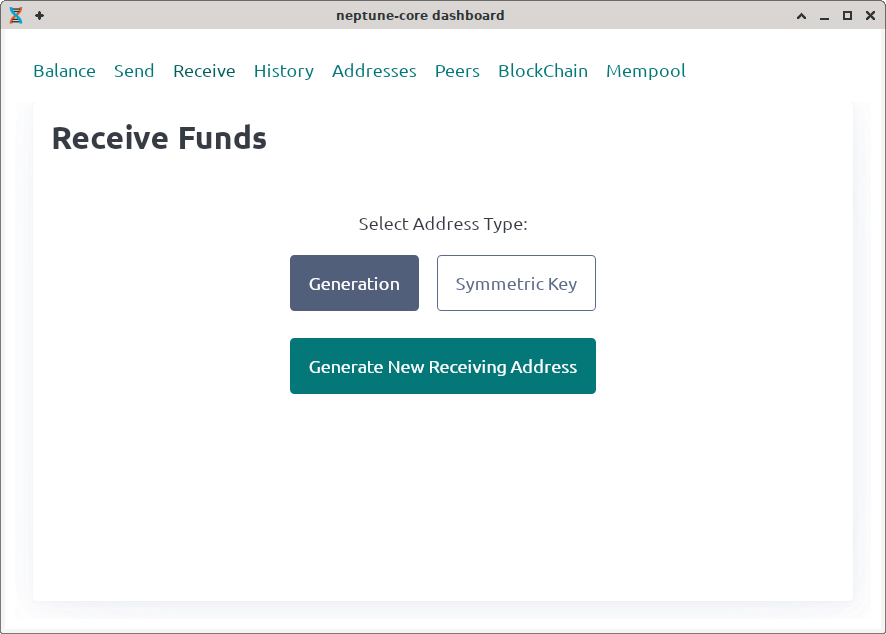
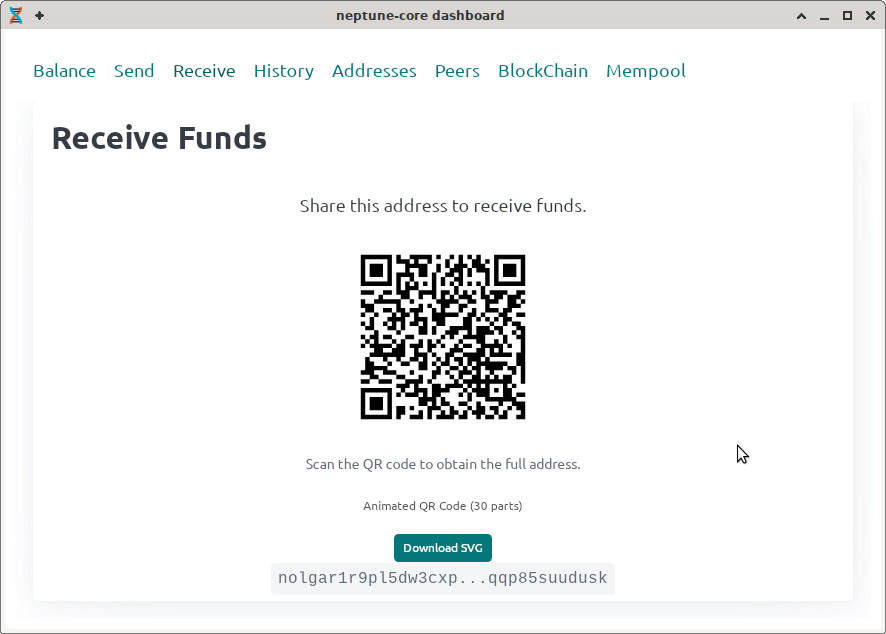
- QR codes (animated)
- Amount display and entry in national currencies (fiat).
- sending to multiple recipients
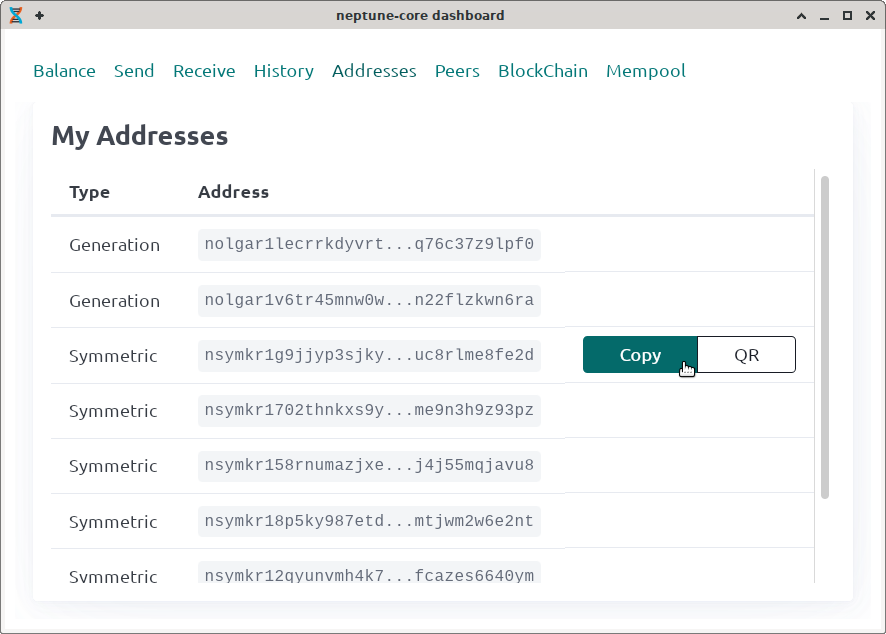
- generation of symmetric keys (only for sending to wallets under your own control)
Running The App
By default the app will not use national currency (fiat) prices. Many/most users will likely want this, and thus should start the app with:
NPT_ONLY=0 neptune-proton
See the README for additional env vars.
Contributions
Feel free to comment/discuss in this thread. If (when) you discover bugs, please report them on github.
If you would like to contribute code, I would suggest that for small pull-requests, just submit the PR, but for anything large, please open an issue to discuss it first, so we are in agreement as to direction and you won’t be wasting time/effort on something that might not be accepted.
Security
At this time, this code has NOT been reviewed or audited by anyone but myself.
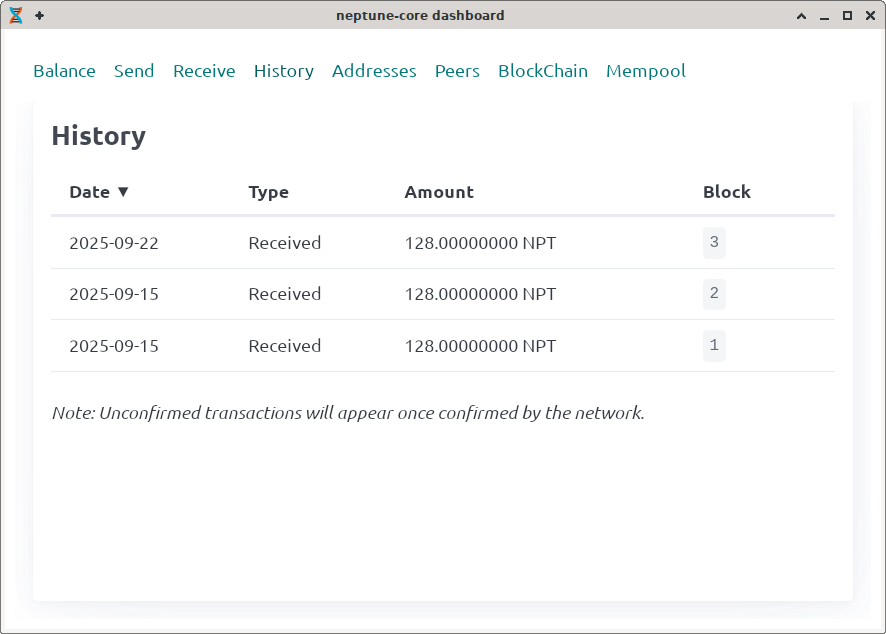
The wallet does not generate or manage its own keys. It relies on neptune-core for key generation, derivation, transaction history, etc. Generally it should have about the same security profile (stengths, weaknesses) as neptune-dashboard.
I would ask that technical users review the code to assure themselves and others that the above statements are true.
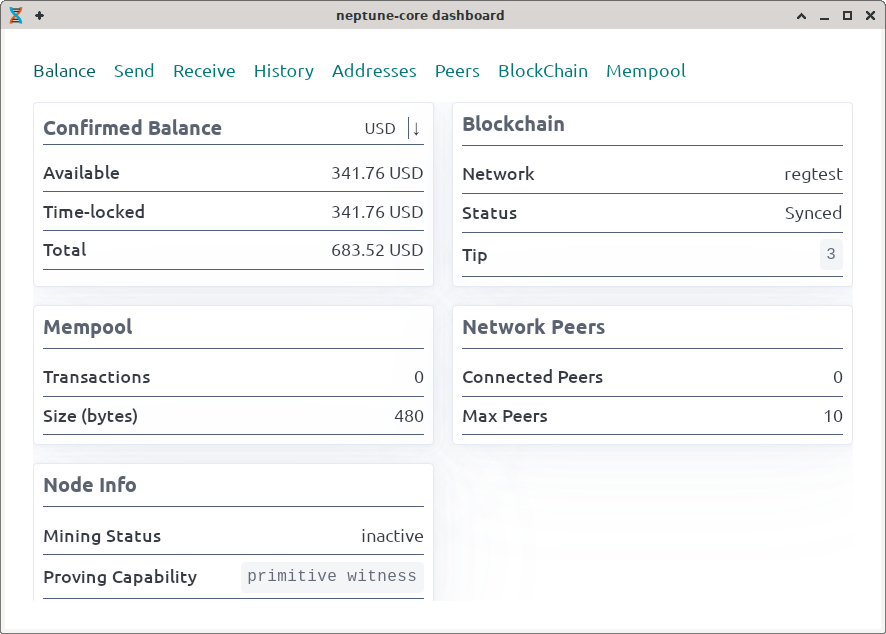
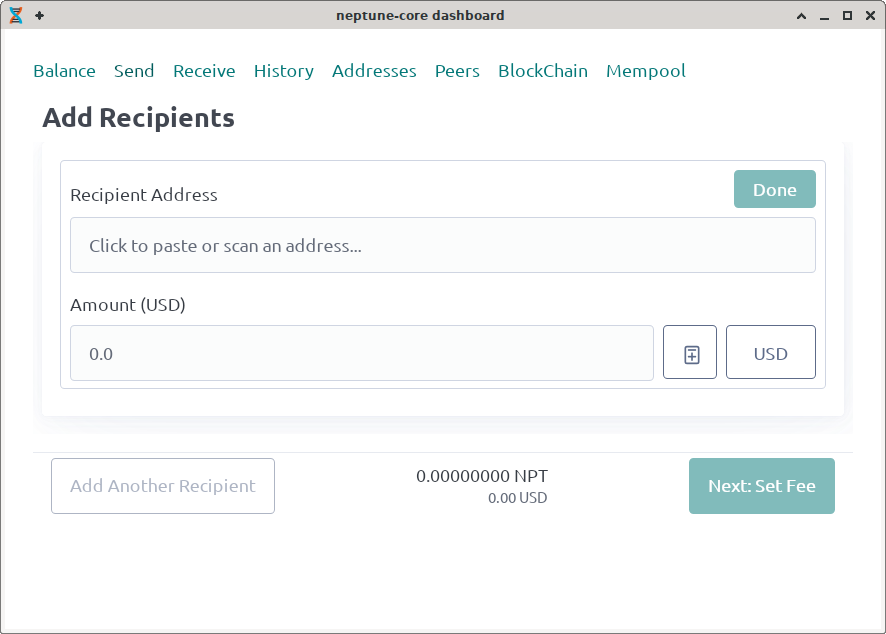
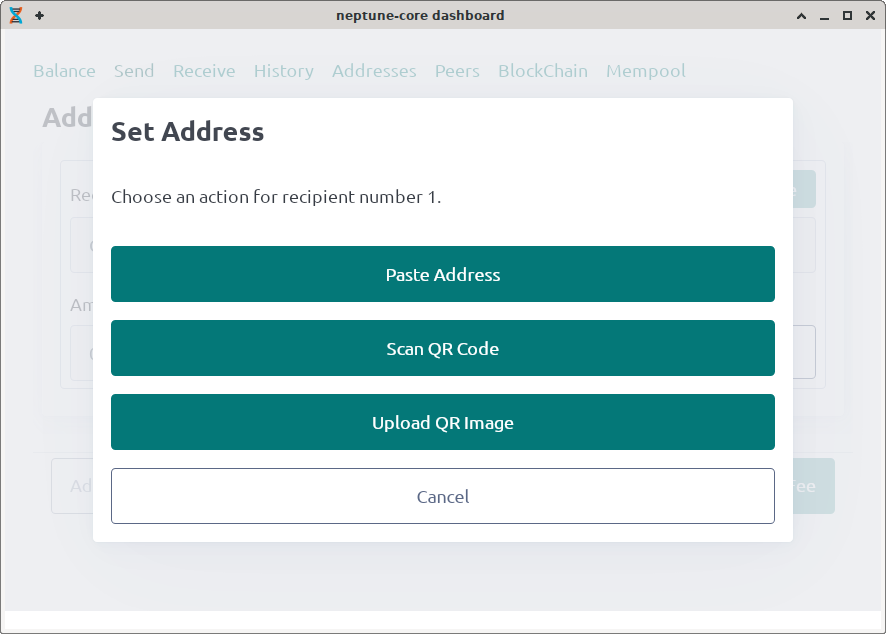
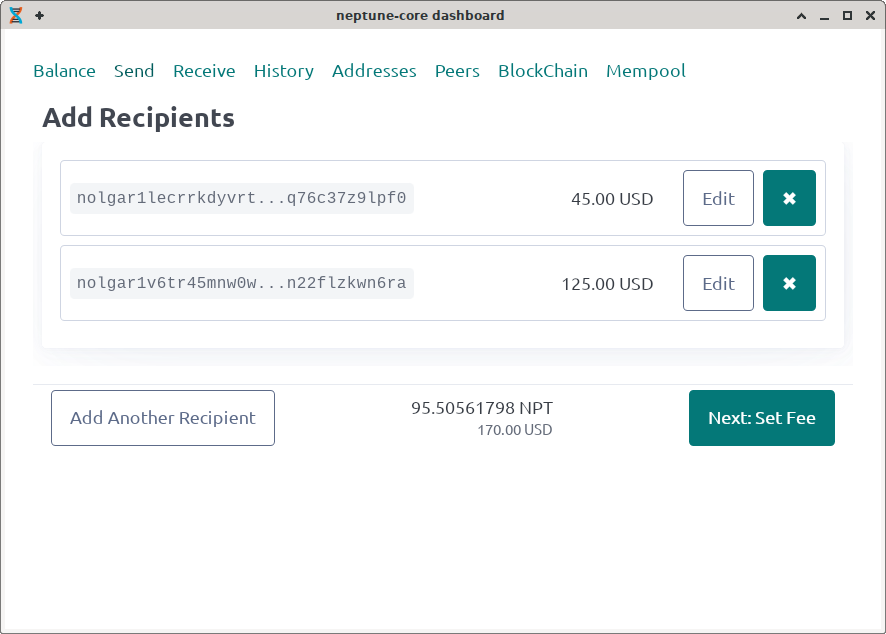
Screen Shots
A picture is worth 1000 words.
 Features
 Fixes
Fixes Build System
 CI/CD
CI/CD Chore
Chore Documentation